






Newsletter
Subscribe to receive our blog updates

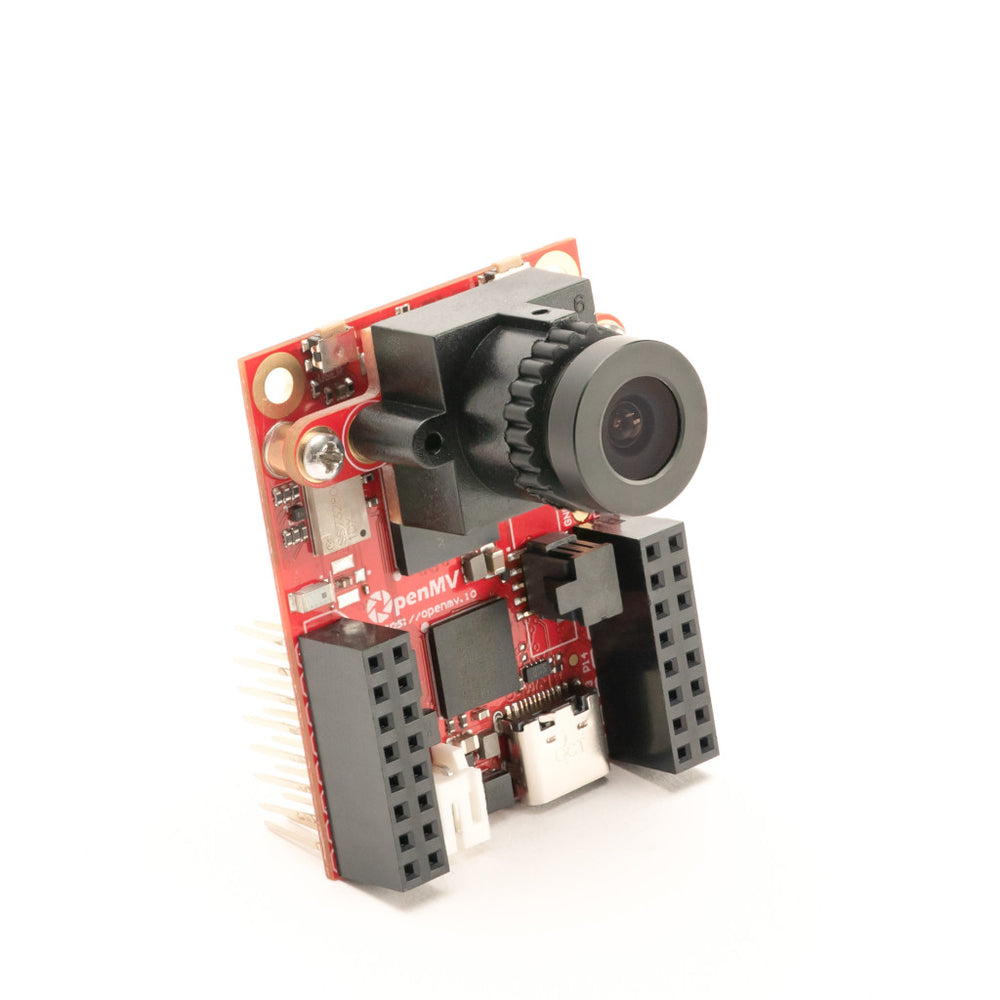
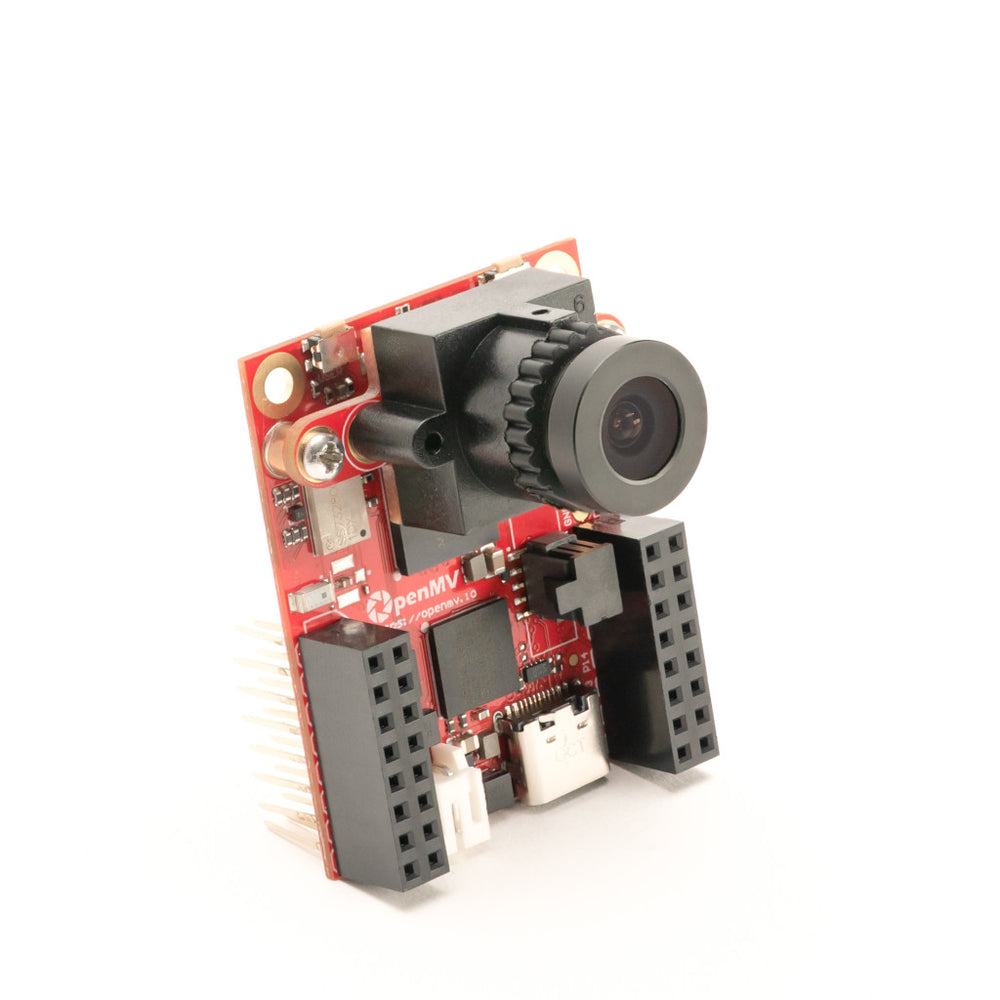
Our goal at OpenMV is to make building machine vision applications on high-performance, low-power microcontrollers easy. We've done the hard work designing professional hardware and writing reliable, high-performance software for you, leaving more time for your creativity.
You program the OpenMV Cam in Python. We make it easy to run machine vision algorithms and AI models on what the OpenMV Cam sees and then actuate hardware in the real world. Sense, plan, and act all in one Python script.
What makes microcontrollers unique is their low power consumption, low heat generation, small size, and ability to draw microwatts of power in deep sleep. This enables you to build tiny devices that can survive for years on batteries.
Using the OpenMV Cam, you can build a robot that can track a ball to win in Robocup, a battery-powered wildlife camera that only snaps images when animals and only animals are detected, read gauges and meters remotely in a factory, automate reliably landing a drone on a target, track baby chicks hatching using thermal vision, and more! Whatever you want to do, you can do it using an OpenMV Cam.
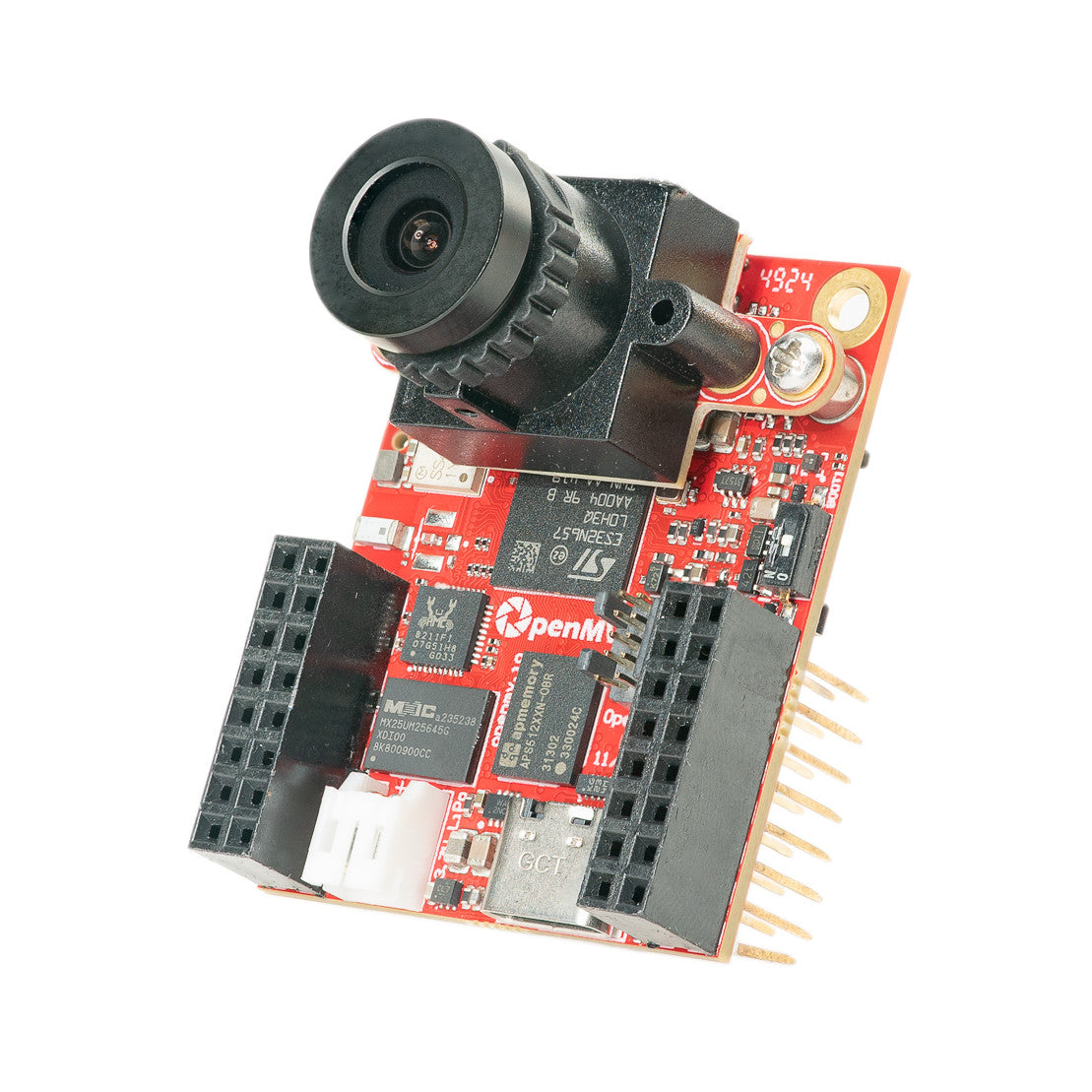
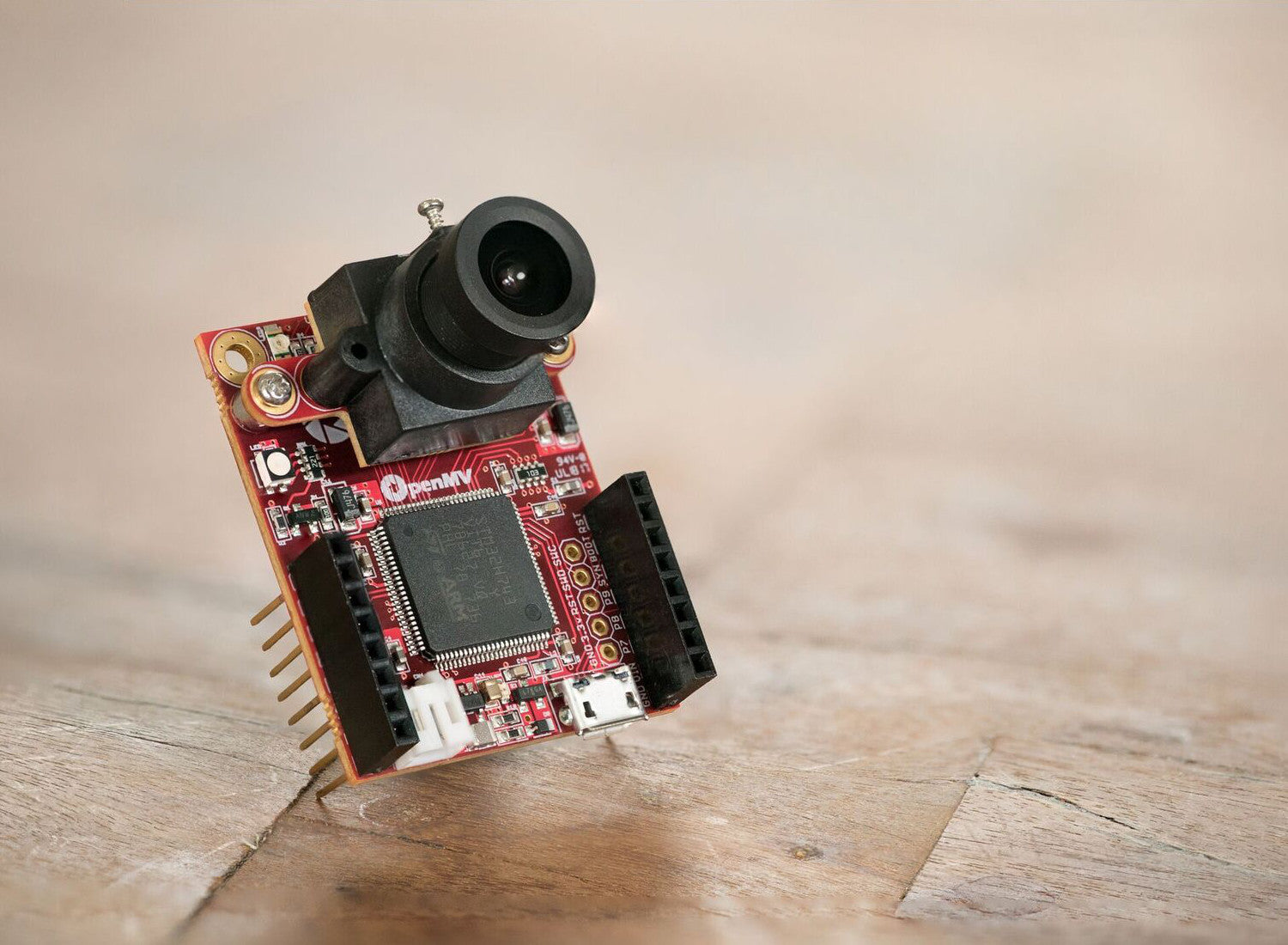
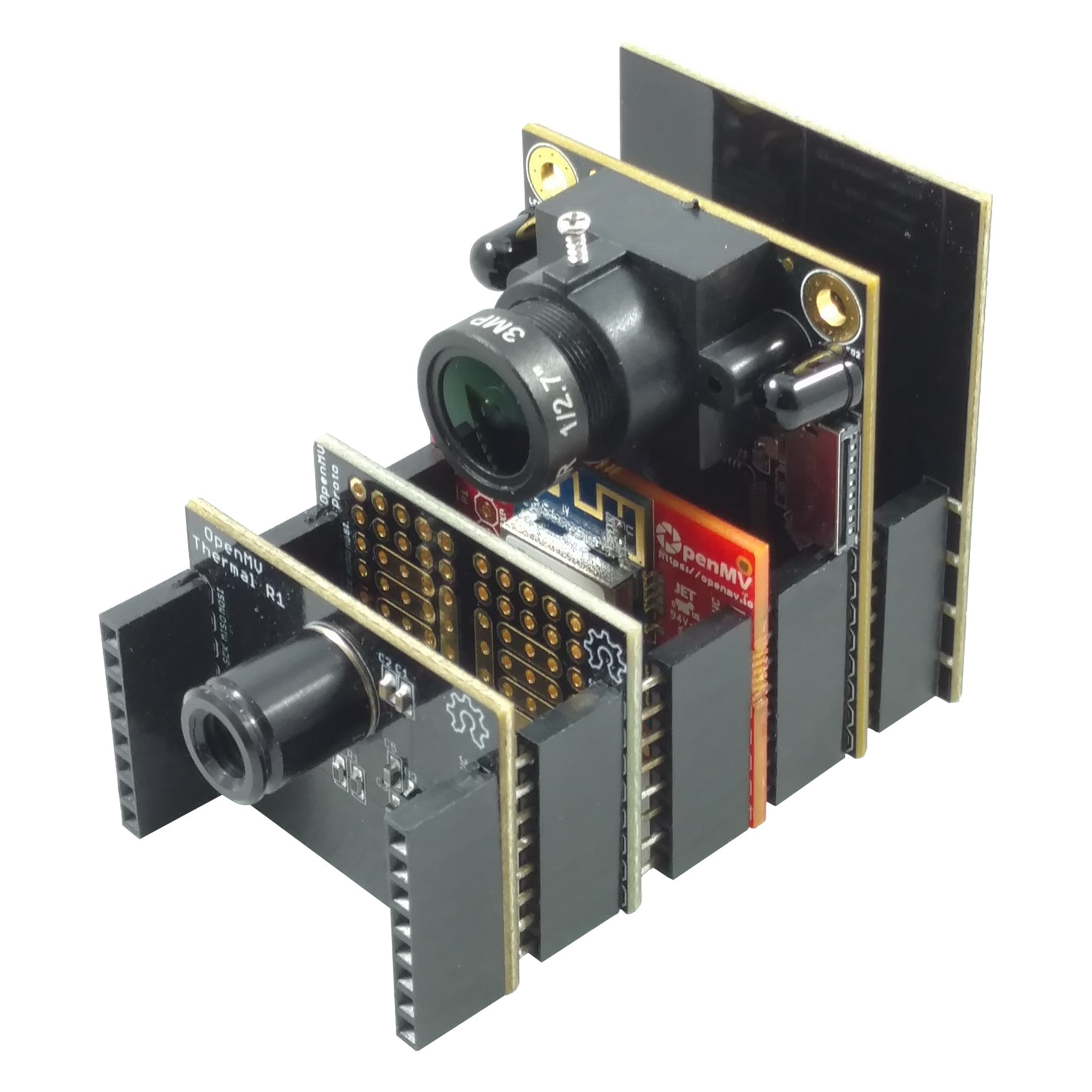
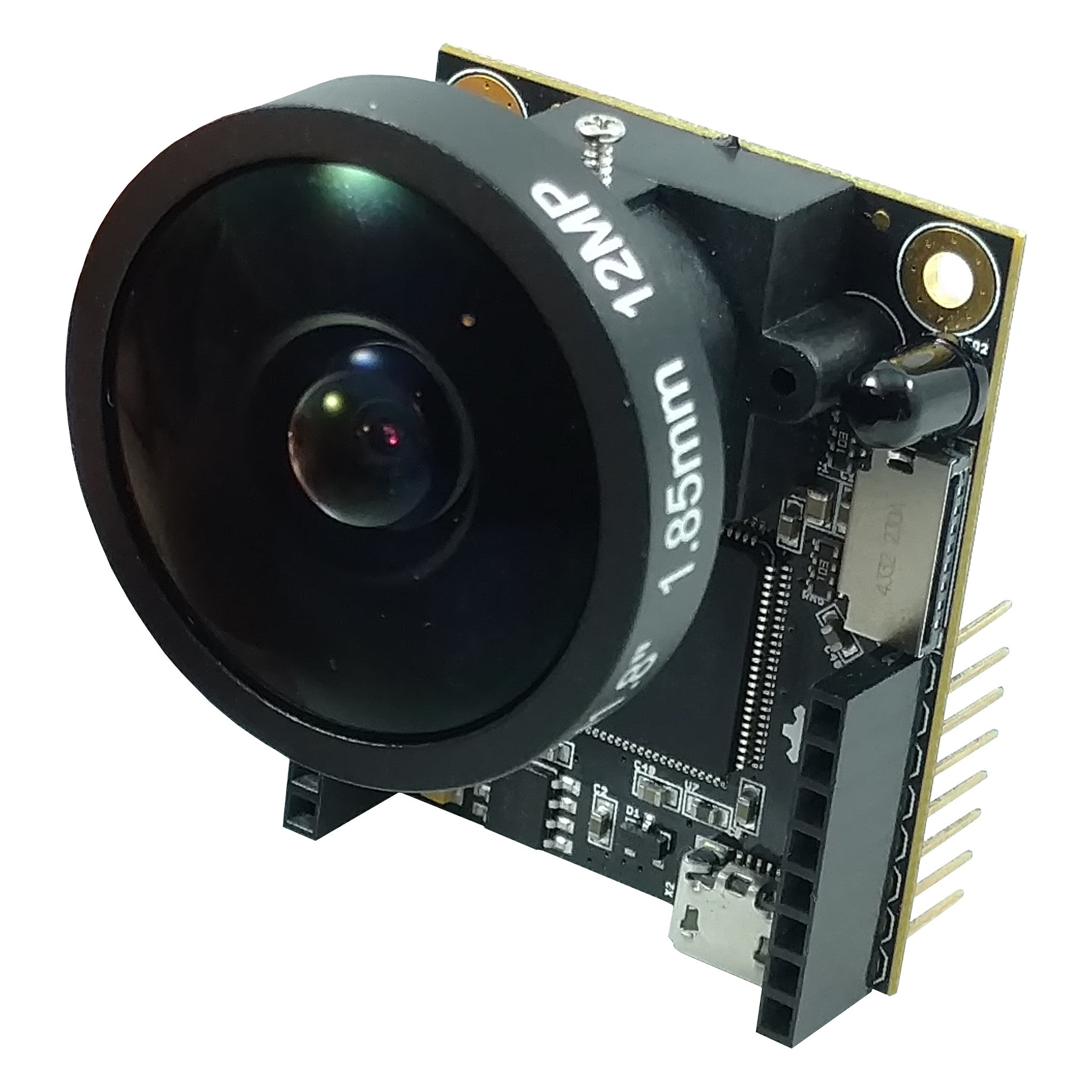
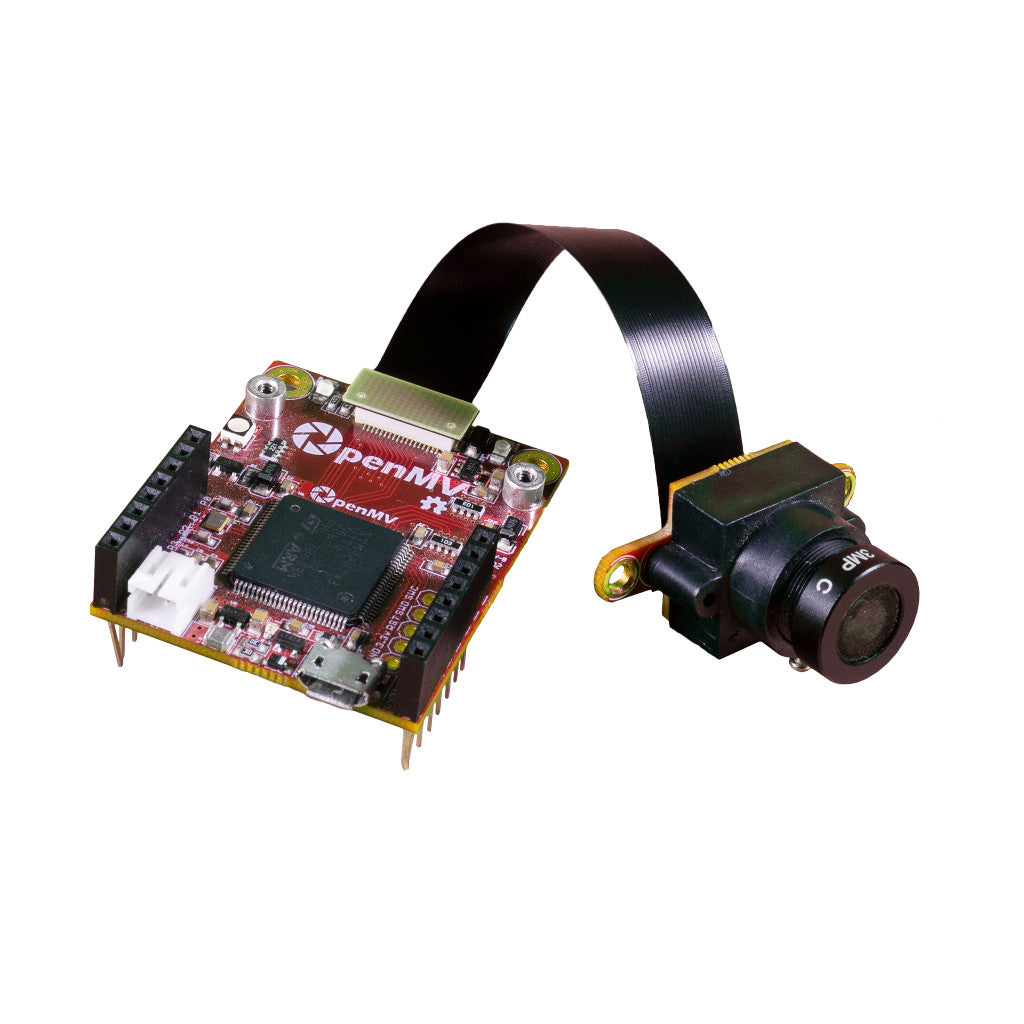
We believe in taking what is possible in a small package to the next level. Our cameras are tiny, about the size of a quarter. In that space we pack high-end microcontrollers with plenty of FLASH and RAM for running AI models, built-in connectivity like WiFi and Bluetooth, and sensors beyond just the camera like a microphone, a time-of-flight distance sensor, and an IMU.
Beyond putting all these features into such a small footprint, we believe in giving you the tools to easily integrate the OpenMV Cam into any system. Each board exposes plenty of GPIO pins that provide SPI, I2C, I3C, UART, CAN, PWM, and ADC functionality.
For professionals, our schematics are available online so you can fully understand every OpenMV Cam and its accessories. You can modify and compile our firmware from GitHub, and SWD and JTAG are exposed for you to single step and debug your changes.

For faster and cheaper shipping please order from our distributors in your area below.